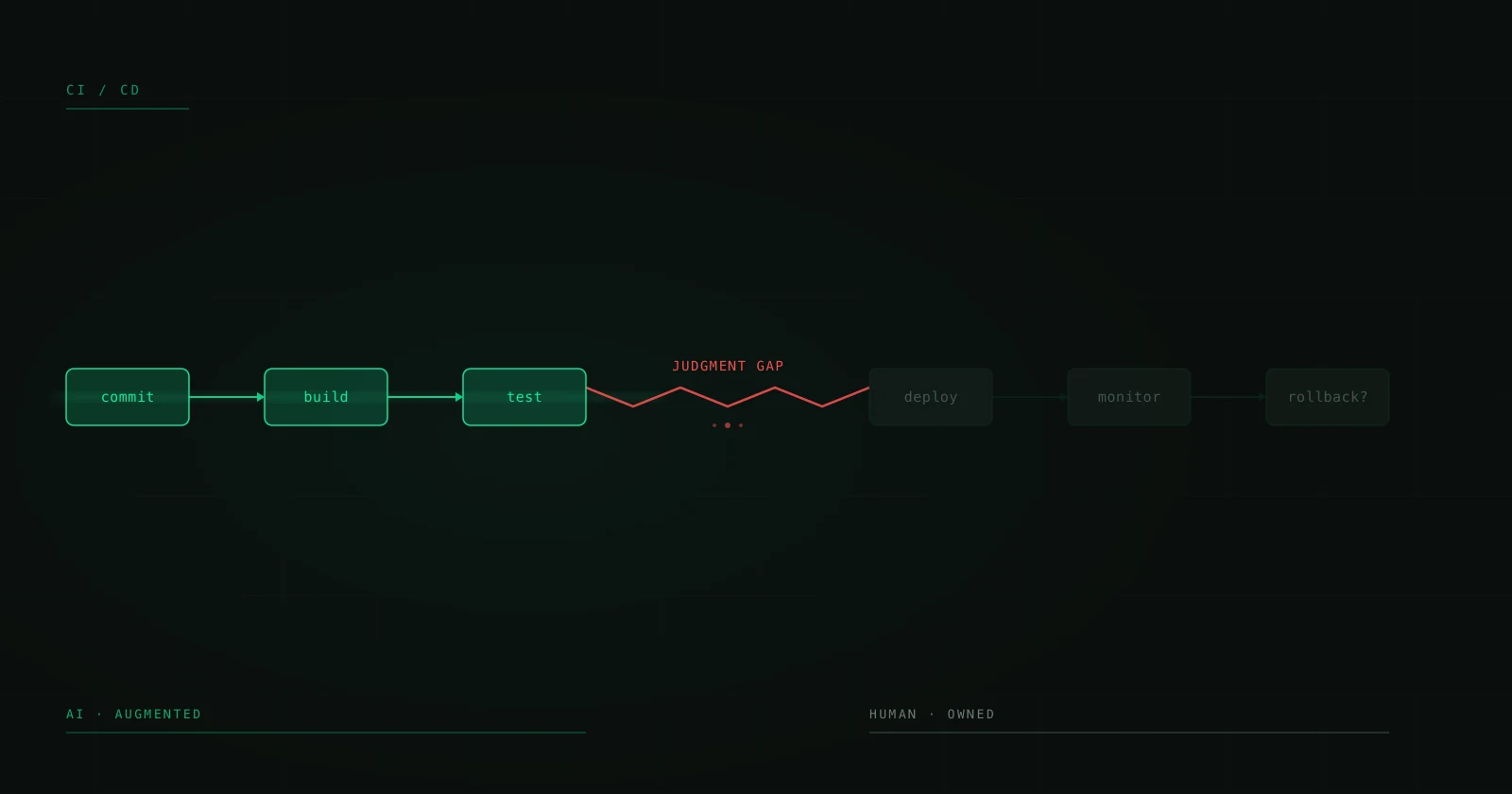
Human in the Loop: Why the Best AI Implementations Don't Eliminate the Human
There's a dangerous narrative in the AI ecosystem: that the goal is to remove the human from the process. Full automation. End-to-end AI. Zero-touch workflows. Sounds spectacular in a pitch deck. In production, it's a recipe for silent disasters that scale faster than any bug you've ever seen.
AI systems that actually work in production — the ones processing thousands of transactions daily without causing crises — have something in common: they keep a human in the loop. Not because of technical limitations, but by design. Because there are decisions a model shouldn't make alone, contexts it can't evaluate, and errors it can't detect in itself.
This isn't an article about why AI isn't ready. It's more than ready. This is about how to design systems where AI does the heavy lifting and the human intervenes exactly where they add the most value.
The problem with blind automation
An LLM can classify a support email with 95% accuracy. Sounds like an excellent number. Until you do the math: if you receive 1,000 emails a day, 50 are misclassified. If that classification triggers automated actions — issuing a refund, escalating to legal, closing a ticket — those 50 daily errors aren't a statistical percentage. They're 50 customers with a broken experience.
The problem compounds with confidence. A model that's wrong and knows it is manageable. A model that's wrong with high confidence is dangerous. LLMs are particularly prone to this: they generate coherent, well-written responses that look correct even when they aren't. The famous hallucinations don't come with a warning label.
Blind automation amplifies errors at machine speed. A human making mistakes processes maybe 100 cases a day. A faulty automated pipeline processes 10,000 before anyone notices.
The three Human in the Loop patterns
There isn't a single HITL model. There are three fundamental patterns, and choosing the right one depends on your use case, risk tolerance, and the cost of an error.
Pattern 1: Human-as-Validator (review before action)
The AI processes, classifies, generates, or extracts. The human reviews and approves before the action executes. This is the most conservative pattern and the one you should use by default when the cost of an error is high.
When to use it:
- Processing financial or legal documents
- Generating responses to customers in sensitive contexts
- Decisions involving money (refunds, credit approvals)
- Any output sent outside your organization
Typical architecture:
Input → AI Model → Review Queue → Human approves/rejects → Action
                                           ↓
                                    Feedback to model
The key is the review queue. It's not a simple "yes/no." A good validation system shows the human: the original input, the model's output, the confidence score, and the context fragments the model used to make its decision. The human doesn't review from scratch — they validate the AI's work. That's 10x faster than doing the work manually.
Pattern 2: Human-as-Exception-Handler (intervention by exception)
The AI processes most cases automatically. It only escalates to a human when it detects it can't resolve the case with sufficient confidence, or when the case falls outside defined parameters.
When to use it:
- High volume, low risk per individual case
- Tier 1 support (chatbots with escalation)
- Content classification
- Processing standardized documents
Typical architecture:
Input → AI Model → Confidence > threshold?
                       ↓ Yes          ↓ No
                  Auto action    → Human resolves
                                        ↓
                                 Feedback to model
The confidence threshold is your main lever. Too high: too many cases escalate and you lose the automation benefit. Too low: errors slip through and destroy user trust. Calibration is empirical — start conservative (high threshold) and lower it gradually while monitoring the error rate on automated cases.
A good exception handling system needs intelligent routing. A case the model doesn't understand (needs a domain expert) is different from one where the model understands but the risk is high (needs a supervisor). Design your escalation queues with this distinction.
Pattern 3: Human-as-Teacher (continuous feedback loop)
The human isn't in the direct operational flow. Instead, they periodically review a sample of automated outputs, label errors, and that information is used to improve the model or adjust prompts.
When to use it:
- Already mature systems with a low error rate
- Cases where review latency is unacceptable
- Domains where context changes gradually (drift)
Typical architecture:
Input → AI Model → Auto action (100%)
             ↓
    Random sample (5-10%)
             ↓
    Periodic review → Prompt adjustment / fine-tuning
This pattern requires maturity. Don't implement it from day 1. Start with Human-as-Validator or Exception-Handler, and migrate to Teacher when you have enough data to demonstrate that the error rate is consistently low.
Designing the handoff: where most fail
The transfer point between AI and human is where most implementations break. Not because of the AI or the human, but because of the interface between them.
Common mistakes:
-
Context loss: The human receives an escalated case without context. They have to start from scratch, investigate what happened, why the AI escalated it. Solution: pass ALL context — original input, model reasoning, previous attempts, user history.
-
Alert fatigue: If 40% of cases get escalated, humans start approving on autopilot without reviewing. This is worse than not having HITL, because you create a false sense of security. Solution: keep the escalation rate below 15-20%. If it's higher, your model needs improvements, not more humans.
-
Broken feedback loop: The human corrects errors but that correction never flows back to the system. The same error repeats indefinitely. Solution: every human correction is training data. Capture the decision, the reasoning, and feed it back into the improvement pipeline.
-
Unacceptable latency: The case sits in the review queue for 4 hours. By then the customer is gone. Solution: define SLAs by case type and priority. Urgent cases go to a fast-track queue with alerts.
Metrics that matter in a HITL system
Don't just measure model accuracy. Measure the complete system:
-
Effective throughput: Cases resolved per hour including human time. If your AI processes 1,000 cases/hour but escalates 300 that take 15 minutes each, your real throughput is very different from theoretical.
-
Escalation rate: Percentage of cases requiring human intervention. Should decrease over time if your feedback loop works.
-
Human resolution time: How long the human takes to resolve an escalated case. If it's nearly the same as the time without AI, your context system is failing.
-
Override rate: How often the human changes the AI's decision. If it's very high (>30%), your model needs work. If it's very low (<2%), you're probably escalating too many cases that don't need it.
-
Post-validation error rate: Errors that passed human review. Yes, humans make mistakes too. A good HITL system acknowledges this and has downstream checks.
When you DON'T need HITL
Not everything needs a human in the loop. There are contexts where full automation is correct:
-
Low-risk internal tasks: Summarizing meetings, classifying internal documents, generating drafts. If the error has no external consequences, automate without fear.
-
Systems with easy rollback: If you can automatically undo the action when you detect an error, the consequence of the error is low.
-
Idempotent processing: If processing something twice (one incorrect automatic + one correction) has no significant cost.
The general rule: if the error reaches the customer, the regulator, or a bank account, put a human in. If the error stays internal and is correctable, automate.
Practical implementation: tech stack
A HITL system doesn't require exotic infrastructure. The basic components:
-
Message queue (SQS, RabbitMQ, Redis Streams): For the buffer between AI and human. Cases wait here with their context.
-
Review dashboard: An interface where the human sees the case, the AI output, and can approve, reject, or edit. Can be as simple as a React app with a backend reading from the queue.
-
Logging system: Every decision — automatic or human — is recorded. Input, output, model confidence, human decision, timestamp. This is your improvement dataset.
-
Feedback pipeline: A periodic process (daily, weekly) that takes human corrections and converts them into improvements — prompt adjustments, few-shot examples, or fine-tuning data.
-
Alerts and monitoring: If the escalation rate spikes 20% in an hour, something changed. If average human resolution time doubles, the queue is saturated. You need to know this in real time.
The right human in the loop
Not just any human will do. The person reviewing AI outputs needs:
- Domain knowledge: Understanding the case context to evaluate whether the output is correct.
- Calibration: Knowing when the AI tends to fail and where to pay closer attention.
- Discipline: Not falling into the temptation of approving everything when the queue grows.
The ideal profile is someone who did this work manually before AI. They know the edge cases, know what can go wrong, and can spot errors that someone without experience would miss.
From demo to production
The difference between an AI demo and a production system is precisely this: error handling, escalation, feedback loops, monitoring. The AI is 30% of the system. The other 70% is the engineering around it — and the human in the loop is the centerpiece of that engineering.
This isn't a temporary limitation that will disappear when models get better. It's a fundamental design pattern for systems that operate in the real world, where errors have consequences and trust is built with every correct interaction.
Build so the AI does 80% of the work. Design so the human contributes the 20% of judgment that turns an impressive system into a reliable one.
Building an AI system that needs to work in production, not just in a demo? Talk to a CTO — our engineers have deployed HITL pipelines in production for real companies.